WellSight is not just one monitor running in the background. It combines distance awareness, usage reminders, personal voice prompts, focus controls, and readable reports so users can notice a problem, respond in the moment, and improve over time.
1) Start with the support you actually need
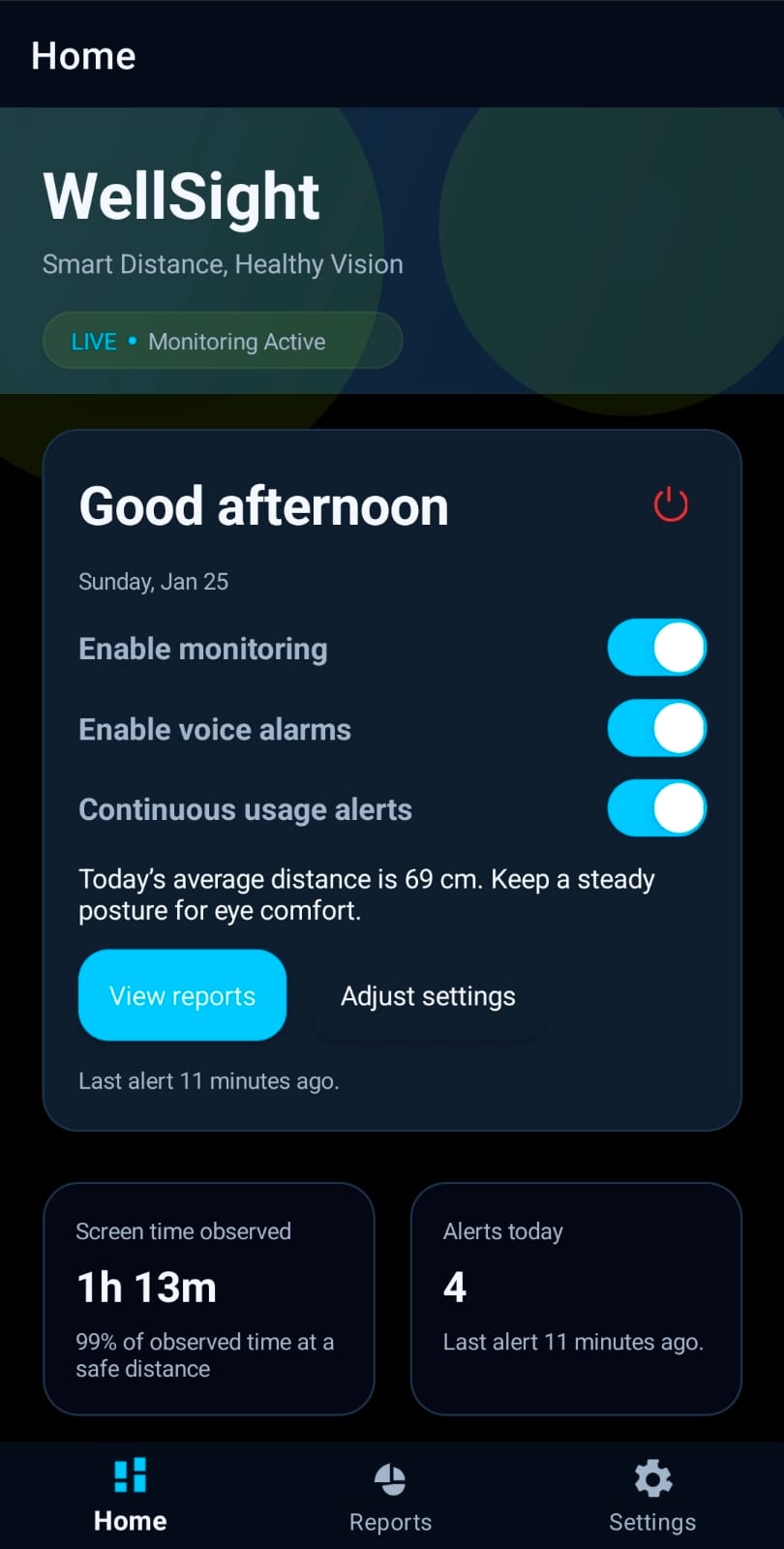
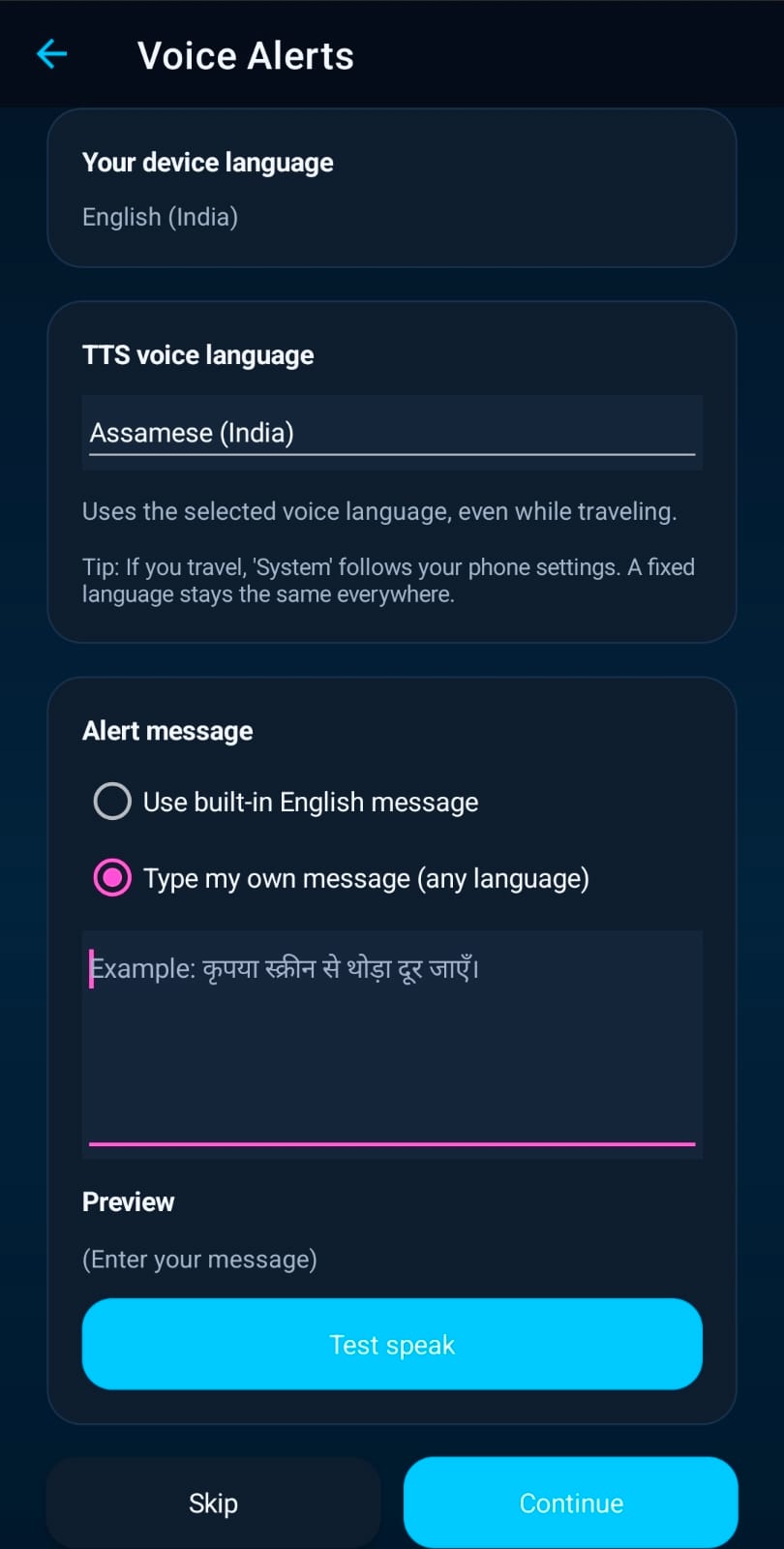
Users can turn on distance monitoring for broad or selected app coverage, enable continuous usage reminders, add voice alarms, and choose whether focus mode should stay ready for deeper concentration sessions.
2) It notices close viewing and long uninterrupted usage
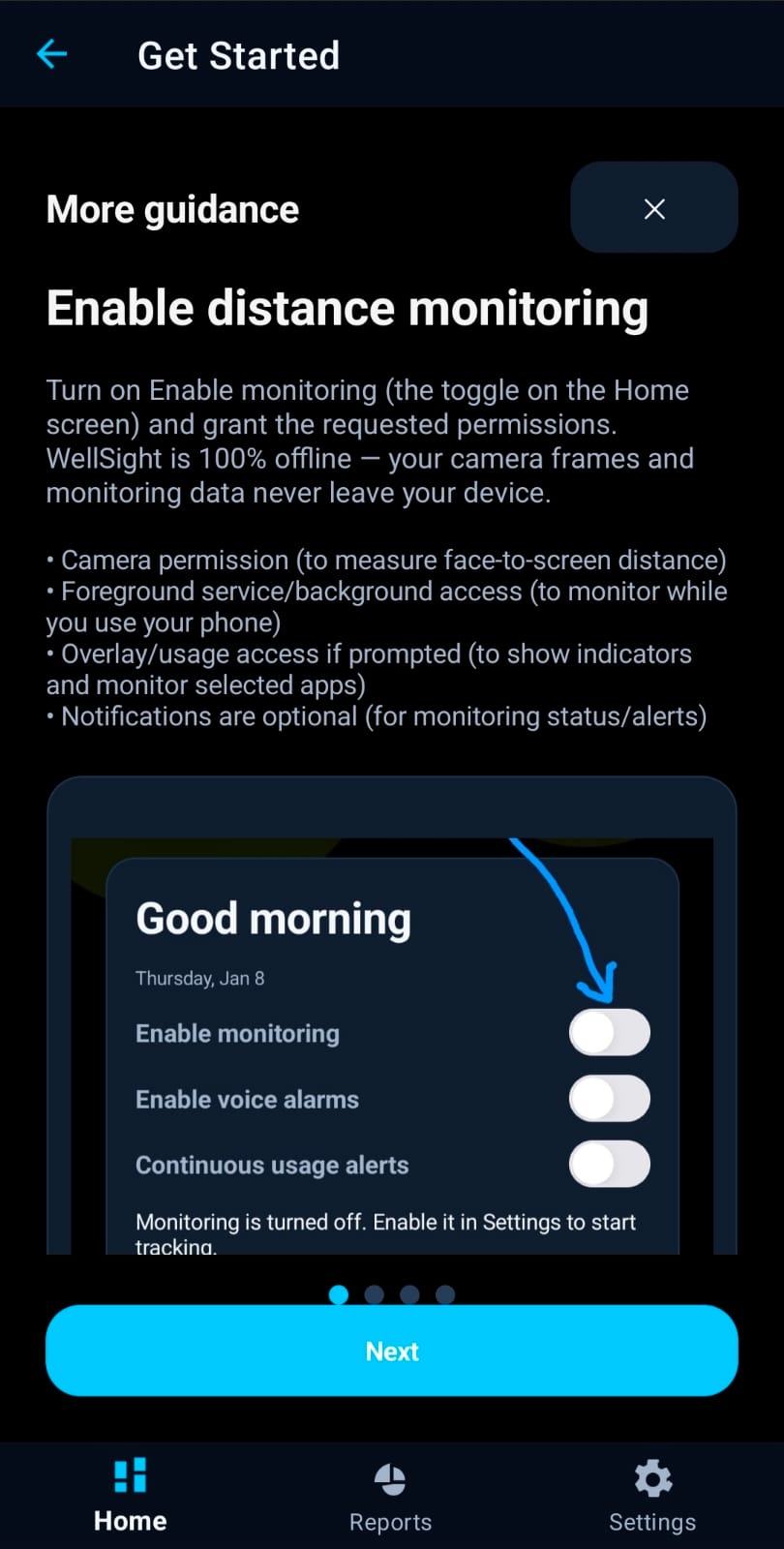
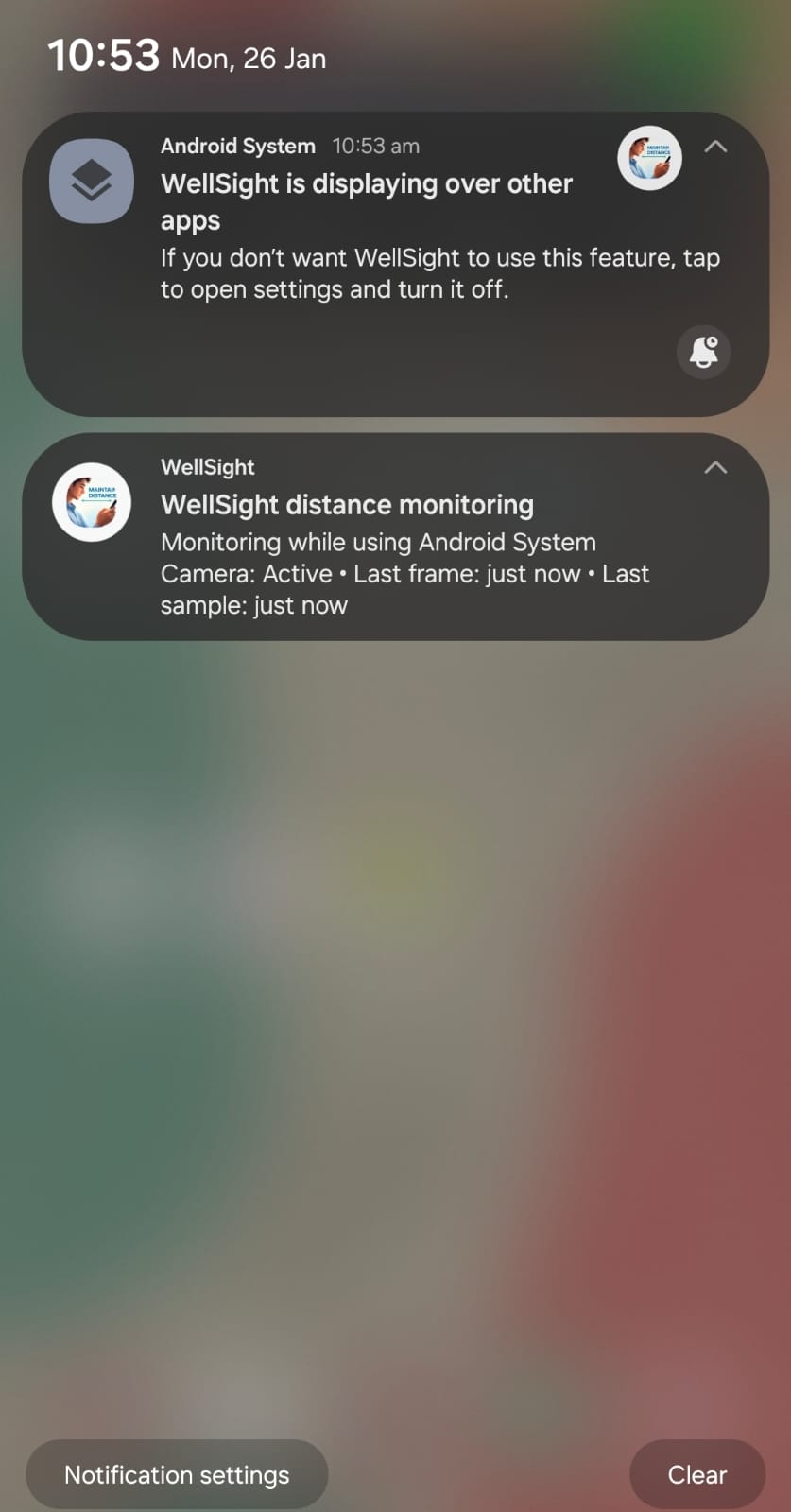
When monitoring is enabled, WellSight uses on-device camera checks only while needed and shows a visible foreground notification. At the same time, Smart Alerts can watch for long continuous sessions so the app is not limited to distance alone.
Transparency: The notification exists specifically so users can always tell when camera-backed monitoring is happening.
3) It prompts, speaks, or protects focus in the moment
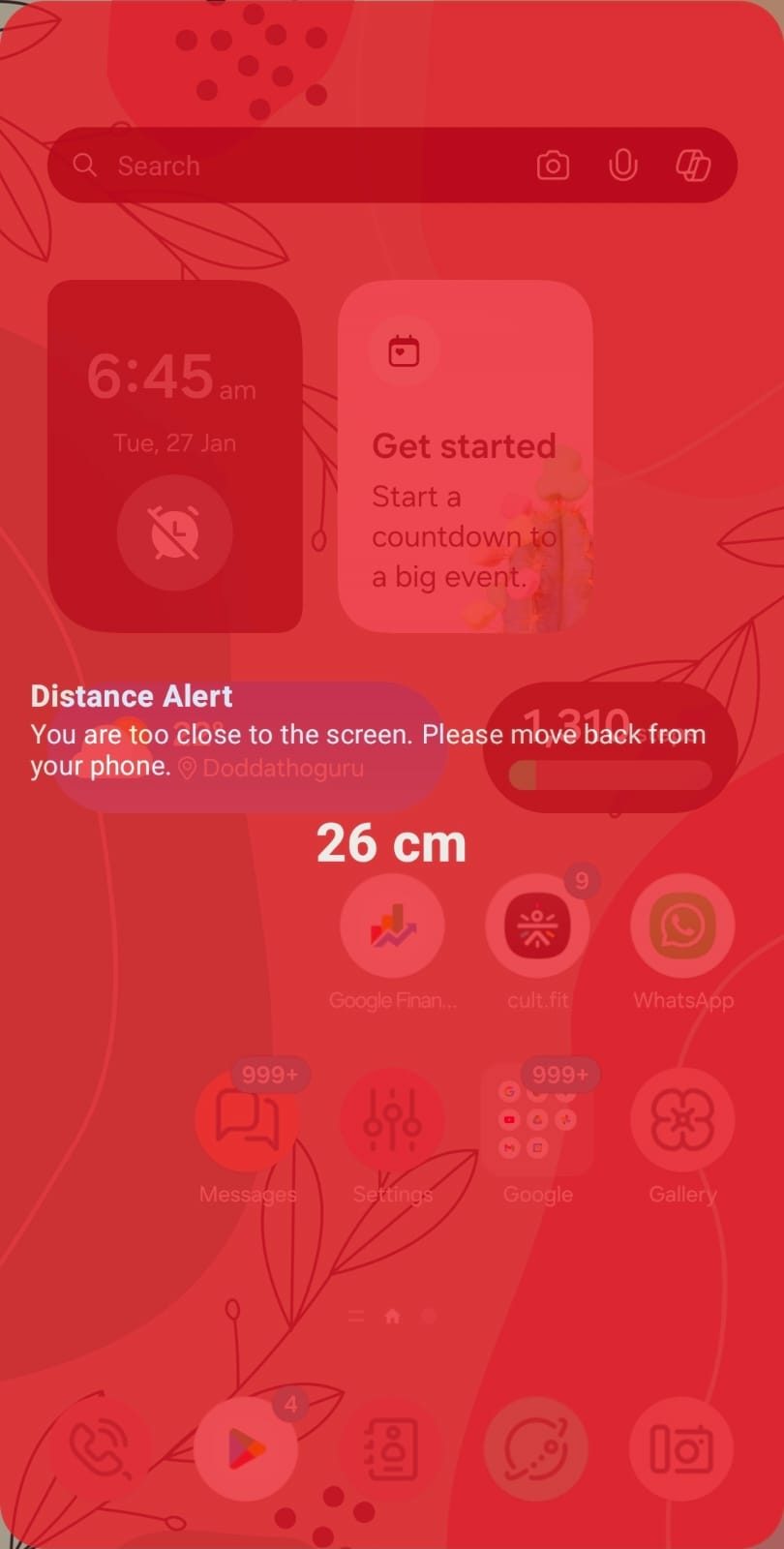
If the phone is too close, if a session is running too long, or if a planned reminder time arrives, WellSight can nudge the user with a prompt, a spoken reminder, or a stronger focus rule that makes distraction harder to continue.
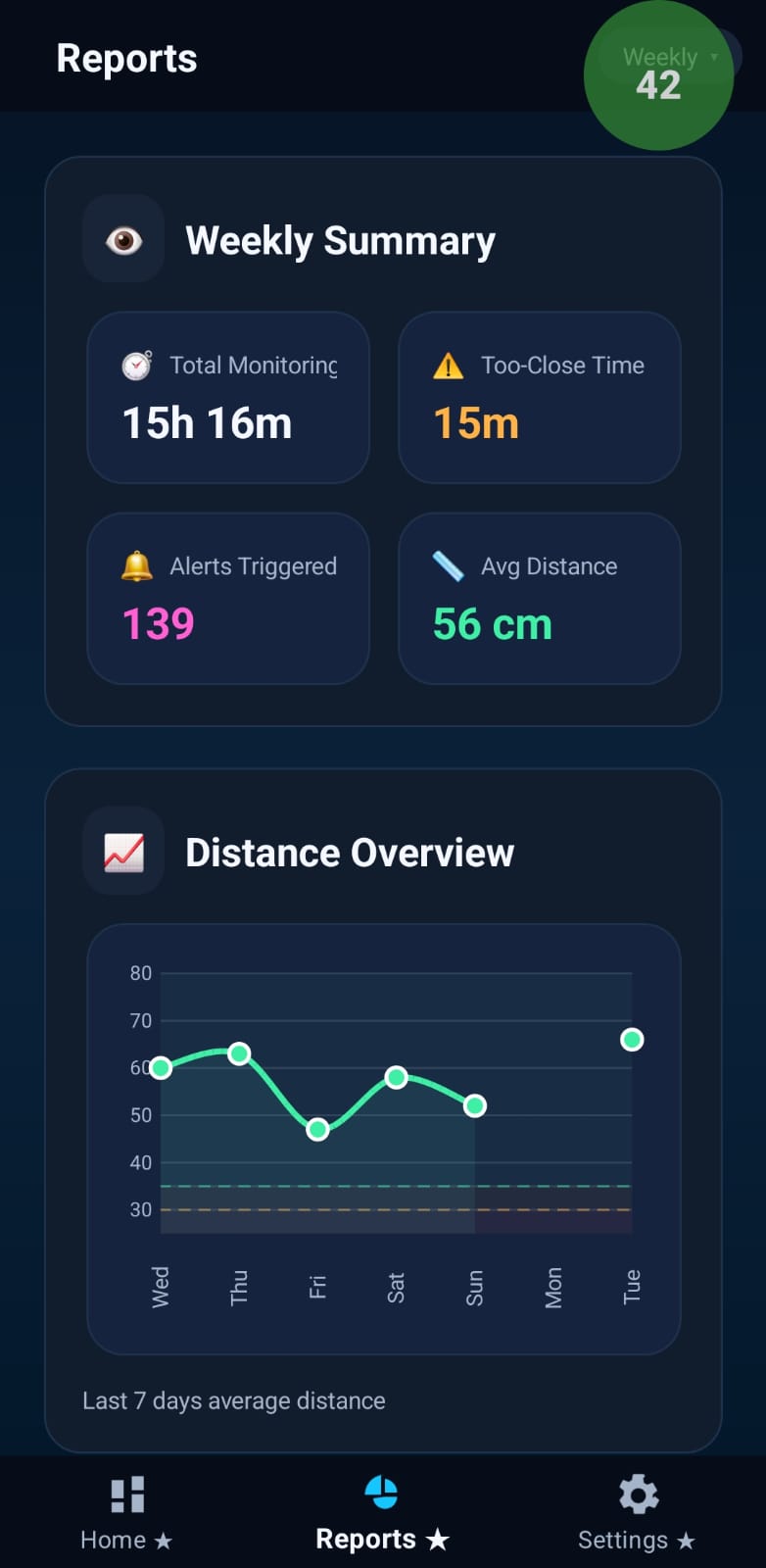
4) Reports turn those moments into progress
Reports later summarise alerts, usage patterns, app trends, and improvement over time, while the privacy-first design keeps sensitive monitoring data on the device instead of turning support into cloud-heavy surveillance.